Editorial Note
This article provides practical guidance and market context. Any workflow examples, operational estimates, or financial illustrations are not AI Strategy Partners client results or a promise of performance. Linked sources support the external research cited in the article.
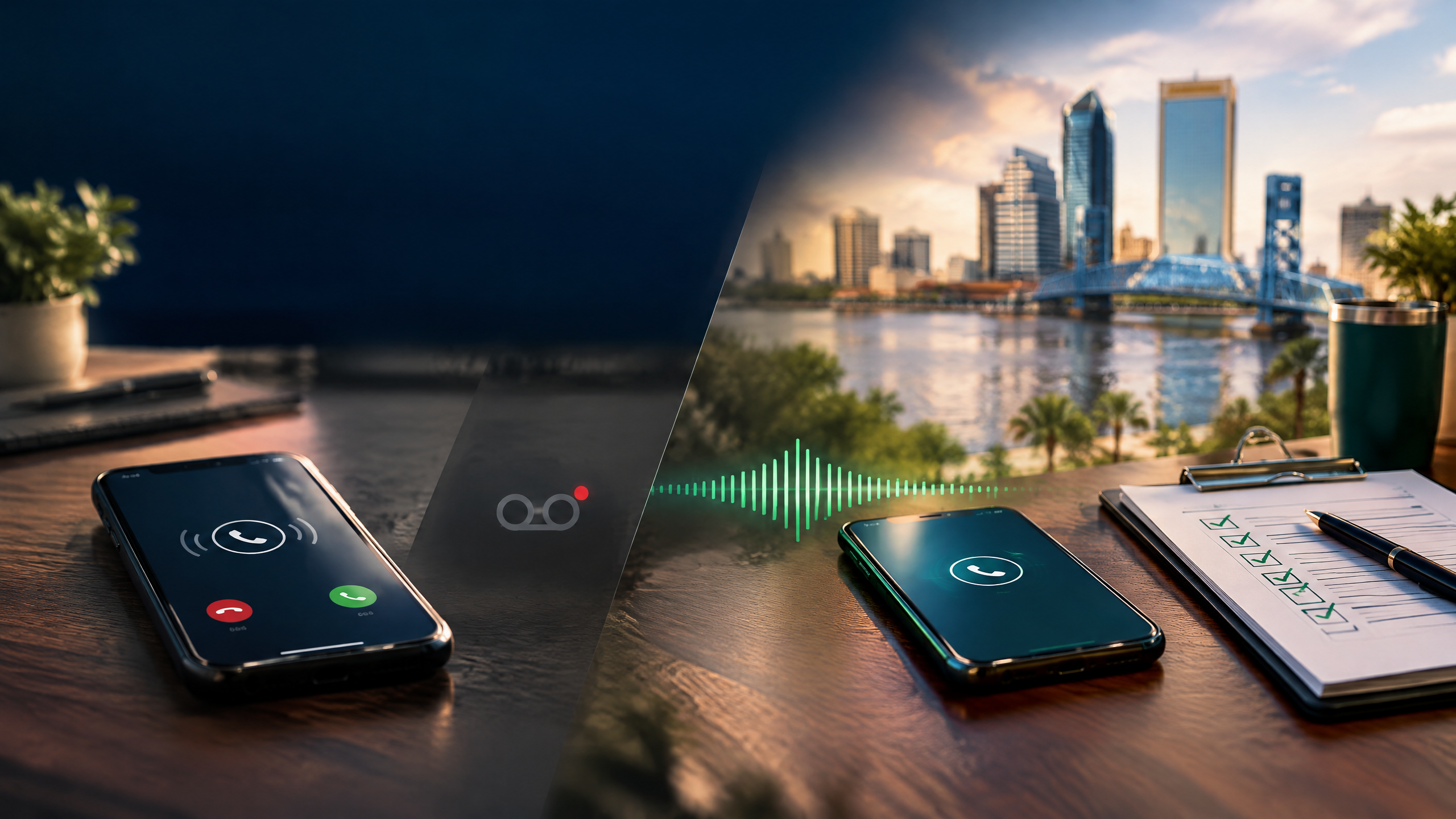
A new customer does not experience your lead process as a funnel. They experience it as one moment: they call, they need help, and they decide whether your response feels useful. For a Jacksonville service business, that moment may happen while a technician is with another customer, after the office is closed, or during a sudden rush of local demand. The comparison between an AI voice agent and voicemail is really a comparison between two different lead paths.
Voicemail is a capture method. It asks the caller to do more work, then depends on someone finding the message, understanding the need, deciding who owns it, and calling back. An AI voice agent can provide a defined first response, but only if the workflow is designed around approved information, clear escalation, and a reachable person. Neither option is useful if no one owns what happens next.
Trace the Lead From Ring to Resolution
Map the actual path for a new inbound call. It might ring to the office, forward to an owner, land in voicemail, trigger a text, create a CRM record, or disappear entirely. A practical map includes the initial answer, the first information captured, the responsible person, the expected response time, the booking or dispatch step, and the final disposition. If your team cannot reconstruct that path, it is too early to decide that a new tool is the answer.
- 1A potential customer finds your Jacksonville business in Search, Maps, a referral, or a local ad and calls.
- 2The call is answered, missed, abandoned, or sent to voicemail.
- 3The inquiry is either recorded with approved details or left for someone to interpret later.
- 4A named person either receives the handoff or the message waits in an inbox, app, or phone.
- 5The customer receives a meaningful response, books, waits, calls again, or moves on.
The weak point is rarely the phone itself. It is the moment between “a customer reached out” and “a person clearly owns the next action.”
What Voicemail Does Well—and Where It Breaks
Voicemail can be appropriate for a low-volume, non-urgent line when a team has a dependable retrieval and callback process. It gives callers a familiar option and creates a recording the team can review. It can also be the right fallback when a live system cannot confidently handle a request or when a caller asks for a person.
The risk is not voicemail by itself. The risk is voicemail without a defined owner, review window, or record. A caller may not leave a message. A message can be incomplete. The person who hears it may not know the customer’s urgency. The callback may happen after the caller has contacted another company. And if there is no CRM record, the business cannot learn whether the problem is staffing, coverage, messaging, or follow-up.
- Can you see every missed call, including after-hours calls and callers who did not leave a message?
- Is there one owner for reviewing voicemail and one documented backup?
- Does the callback create a record, a next action, and a clear disposition?
- Can the team distinguish safety-sensitive or urgent calls from routine requests?
- Does the greeting set an honest expectation for what happens next?
What an AI Voice Agent Can Do—Within Clear Boundaries
An AI Strategy Partners AI tool can support a specific inbound workflow. It can identify a general request, collect only approved intake details, answer approved public questions, identify an appropriate route, create a lead record, notify a person, and offer an approved scheduling option. This can be useful when the business wants an immediate acknowledgement without pretending the system can make every decision.
The agent should not act like an unsupervised dispatcher, estimator, or service professional. It should never make up technician availability, prices, diagnoses, warranty terms, service promises, or a response to an unusual complaint. When the caller is unclear, the request is urgent, the conversation becomes sensitive, or the caller asks for a person, the system needs an immediate human path.
Calls that should go to people immediately
- Emergencies, safety concerns, or a request that needs immediate judgment.
- Complex estimates, job-scope questions, or anything involving a binding price or commitment.
- Payment, account, identity, legal, insurance, or privacy-sensitive conversations.
- Upset customers, cancellation disputes, complaints, or a caller asking to speak to a person.
- Requests outside the system’s approved information or confidence boundary.
Choose a Pilot, Not an All-or-Nothing Replacement
The most responsible first move is usually a limited pilot. A Jacksonville plumbing company might test after-hours new-inquiry intake. A cleaning company might test overflow during a predictable rush. An HVAC company might start with one service line and clear emergency routing. The pilot should preserve an existing fallback, keep staff involved, and be reversible.
- 1Define the coverage window and the specific caller types in scope.
- 2Write the approved knowledge base, intake fields, and answers the system may give.
- 3Name the human escalation contacts and the fallback when no one is available.
- 4Test normal calls, unclear calls, urgent calls, schedule conflicts, complaints, and a request for a person.
- 5Review the outcomes regularly before expanding to another workflow.
Keep Inbound Answering Separate From Outbound Campaigns
A caller reaching your business is not the same thing as a business initiating an automated outbound campaign. If a workflow will record or transcribe calls, send automated texts, leave prerecorded messages, or use an AI-generated voice for outbound calls, the consent, disclosure, opt-out, recordkeeping, and legal-review requirements deserve separate attention. The FCC has specifically stated that TCPA restrictions on artificial or prerecorded voices encompass current AI technologies that generate human voices.
For Florida-facing operations, owners should also review the specific recording and telephone-solicitation requirements with qualified counsel. The operational rule is simple: do not bolt outbound automation onto an inbound-answering project because it sounds convenient. Design it separately, document the permission basis, honor opt-outs, and keep a human responsible for the system.
Measure the Handoff, Not Just the Answer
Answer rate can be useful, but it does not tell the whole story. Measure missed and abandoned calls, voicemail completion, time to first human response, whether the lead record is complete, qualified-service-request rate, appointment-request rate, transfer success, caller requests for a person, false routing, staff correction time, complaints, opt-outs, and the final disposition of each inquiry. Keep business-hours and after-hours data separate so you can see where the workflow is helping and where it needs revision.
Use your own phone, calendar, and CRM automation system records. Do not assume that a call answered by a tool equals a booked job or a new customer. The goal is to make the lead path more observable and more accountable, then improve it from evidence.
A Better Customer Experience Is the Standard
The right front door for your business should give callers an honest, useful next step. Sometimes that is a person. Sometimes it is voicemail with a disciplined callback process. Sometimes it is an AI-assisted intake and routing workflow with a clear human escape hatch. The decision should protect the customer, make ownership visible to the team, and create a process you can inspect and improve.
Want to see what happens to your leads after the phone rings? We can map your current missed-call path, identify human handoff boundaries, and outline a practical Jacksonville pilot with measures your business can verify.
Take the Booking Readiness ReviewFrequently Asked Questions
Is an AI voice agent better than voicemail?
It can be useful for a defined intake, routing, or approved scheduling workflow. It is not automatically better for complex, urgent, sensitive, or relationship-driven calls. Compare the options against your actual call categories, staff availability, escalation needs, and ability to review outcomes.
Can an AI voice agent book appointments?
A narrowly approved scheduling workflow may be appropriate when service rules, availability, intake fields, and escalation paths are clear. It should not promise exceptions, pricing, or availability beyond what the business has approved, and a person should own unusual requests.
Do outbound AI calls require special review?
Yes. Outbound automated calls, prerecorded messages, AI-generated voice, and automated texts can involve consent, disclosure, opt-out, and recordkeeping requirements. Have qualified counsel review the exact campaign and technology before activating it.
Research and Further Reading
The implementation guidance in this article is practical opinion. The linked primary and first-party resources provide the external context referenced above.