Jobber, HouseCall Pro, and ServiceTitan all have AI now. So why are service businesses still losing $45,000–$120,000 per year to missed calls and slow follow-up? The answer is in how these platforms were built — and what 'AI-powered' actually means when it's bolted onto a 10-year-old architecture.
Editorial Note
This guide is educational. Any workflow examples, operational estimates, or financial illustrations should be validated against your own systems and data; they are not AI Strategy Partners client results or a promise of performance. Where sources are linked, they support the specific external context cited.
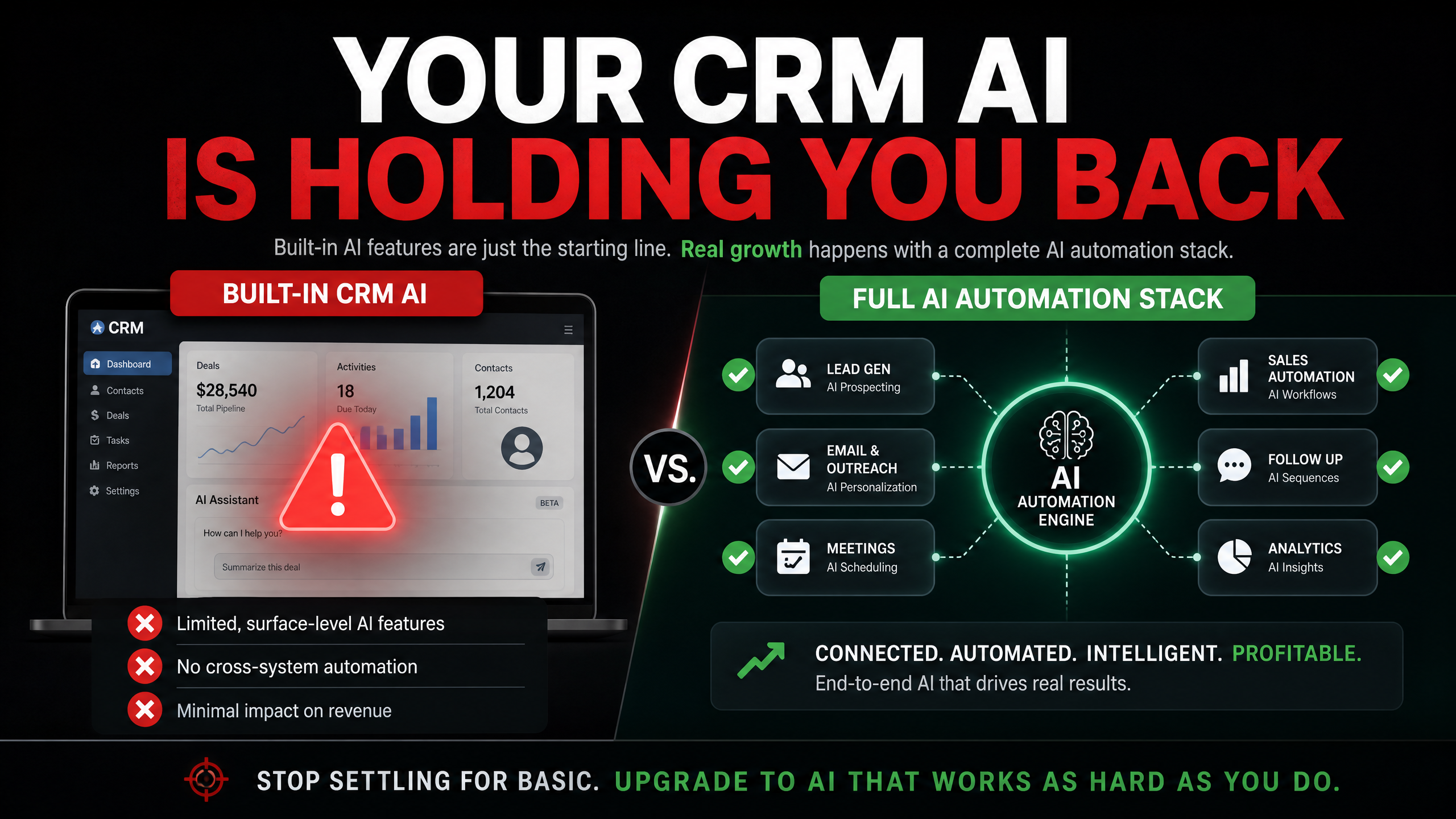
The Problem with 'AI-Powered' vs. 'AI-First'
Jobber launched in 2011. ServiceTitan in 2012. HouseCall Pro in 2013. These are excellent platforms built for a pre-AI world. When they added AI features, they added them on top of existing architectures that weren't designed for AI-native workflows. The result is AI that handles specific tasks well — answering calls, suggesting follow-ups — but can't orchestrate the full revenue cycle the way a purpose-built AI system can.
What 'Built-In AI' Actually Means
For most field service CRMs, 'AI' means: an AI receptionist that answers inbound calls, a follow-up reminder that suggests when to contact a prospect, and a campaign generator that drafts marketing messages. These are useful features. They are not a complete revenue system. They don't run outbound sequences, they don't manage reputation proactively, and they don't re-engage lapsed customers automatically.
The Three Gaps That Cost the Most
The three revenue gaps that built-in CRM AI consistently fails to cover are: (1) After-hours lead capture — most CRM AI handles calls during business hours but struggles with complex after-hours scenarios. (2) Multi-touch outbound follow-up — CRM AI sends one or two follow-ups; a purpose-built system sends seven. (3) Customer re-engagement — CRM AI doesn't proactively identify and reach out to customers who are due for service.
The Right Mental Model
Your CRM is your operations system. It manages jobs, dispatches technicians, tracks customer history, and handles invoicing. AI automation is your revenue system. It captures leads, follows up on estimates, manages reputation, and re-engages past customers. These are different jobs — and trying to do both with one tool means doing neither particularly well.
What to Do About It
The practical solution is to keep your CRM for operations and add a purpose-built AI automation system for revenue functions. The two systems connect via integration — when a job is completed in your CRM, the automation system triggers a review request. When a quote goes unanswered, the automation system starts a follow-up sequence. The CRM handles operations; the AI system handles revenue. Together, they cover the full business cycle.
Ready to Find Your Revenue Leaks?
The gap between what your CRM's AI does and what a full AI system can do is where your revenue is hiding. Find it with the free AI Profit Leak Audit.
Free audit · No credit card · Results in 5 minutes